

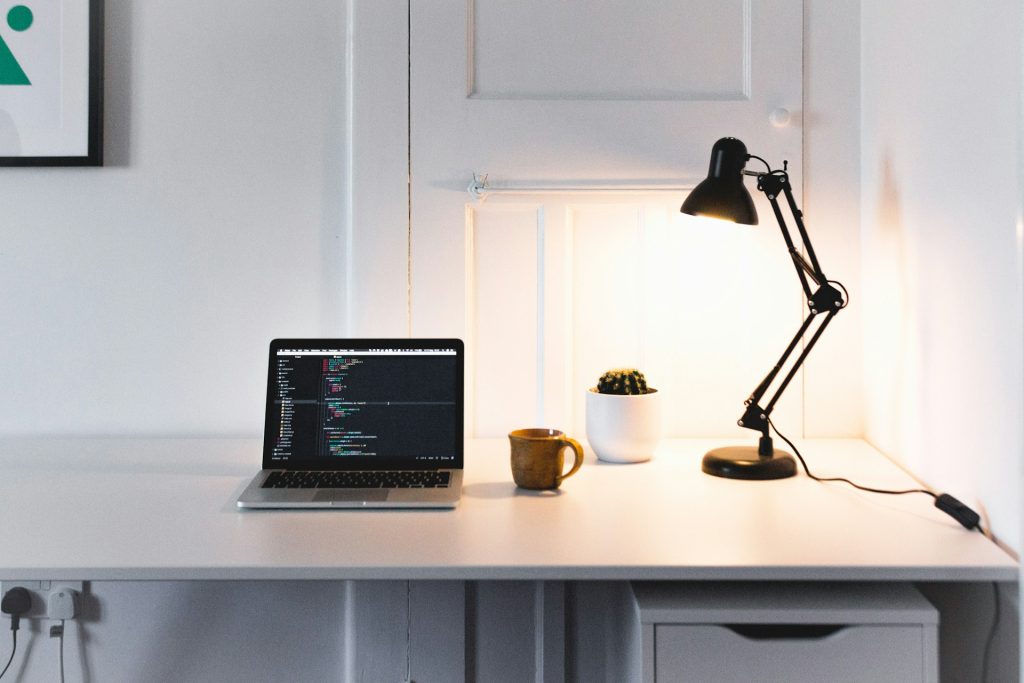
If you buy a desk lamp based solely on a high lumen count but your workspace still feels dark and causes eye strain, then you are ignoring the most critical metric: lux. If you want to know how much total light the bulb produces, check the lumens; but if you want to know exactly how much of that light is actually hitting your keyboard or textbook, you must measure the lux.
Technical Traffic Lights: What Is Lux?
When shopping for workspace lighting, understanding the difference between these two terms will save you from buying the wrong lamp.
- Lumens (lm) measure the total amount of light output emitted by a source in all directions. It tells you how powerful the lamp is, but not where that light goes.
- Lux (lx) measures illuminance. It tells you exactly how much light successfully reaches a specific surface (like your desk mat).
The mathematical definition is simple: 1 lux = 1 lumen per square meter.
Because lux measures the light that actually lands on your desk, it is the only metric that directly impacts your visual comfort and focus. Two lamps with the exact same 500-lumen output can produce drastically different lux levels on your desk depending on how they are designed and positioned.
Why Lux Matters More in Desk Lighting
Your eyes do not respond to the total light trapped inside the lamp shade; they only respond to the light hitting your work surface. Here is why lux fluctuates even when lumens stay constant:
Same Lumens, Different Distances
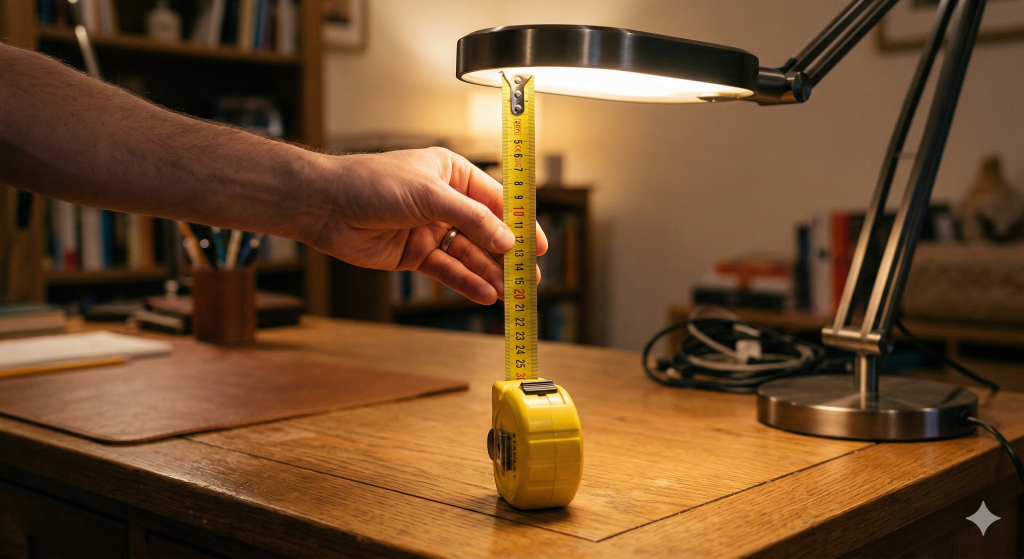
Distance is the biggest killer of brightness. If you place a lamp 30 cm from your desk, it will produce a very high, concentrated lux level. If you take that exact same lamp and move it 70 cm away, the lumens haven’t changed, but the lux on your desk will drop significantly, making it harder to read.
Angle, Beam Spread, and Lamp Height
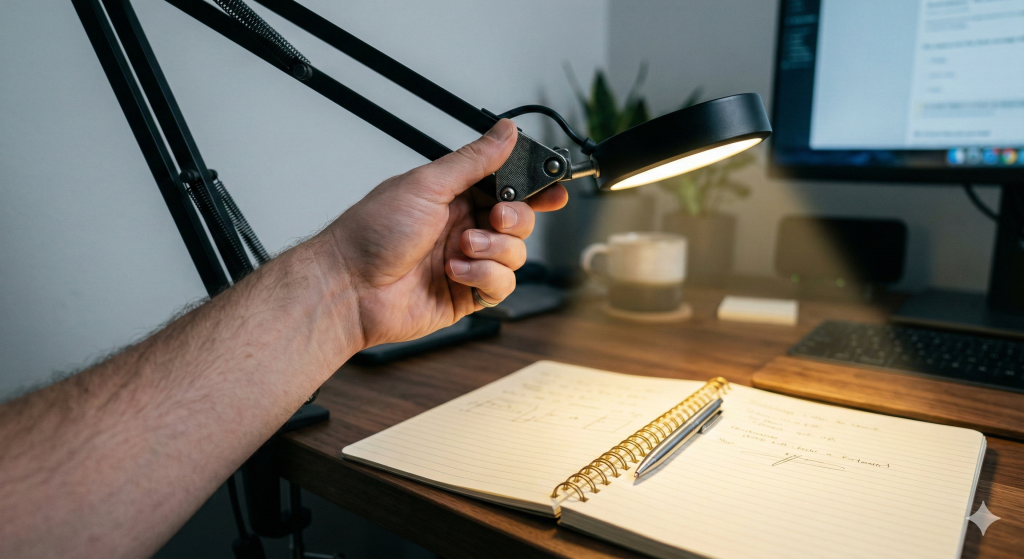
A desk lamp’s physical design dictates your final lux. A focused, narrow-beam architectural lamp will create an intensely high lux directly under it. Conversely, a diffuse ambient table lamp with a wide fabric shade will scatter its lumens everywhere, resulting in a very low lux on your actual notebook.
Lumens vs Lux: Practical Examples
To see how this plays out in the real world, look at how different lamp designs convert their raw lumens into usable desk lux:
| Desk Lamp Type | Total Light Output (Lumens) | Resulting Desk Brightness (Approx. Lux) |
| Small LED Task Lamp | 300 lm | 500–700 lx (Highly focused beam) |
| Adjustable Arm Lamp | 400 lm | 700–1000 lx (Can be pulled close to desk) |
| Diffuse Table Lamp | 600 lm | 300–500 lx (Light scatters through shade) |
As you can see, the 600-lumen table lamp actually provides less usable desk brightness than the 300-lumen task lamp because its design fails to concentrate the lux where you need it.
Editor’s Note: The Phone App Lux Test
What I assumed: I used to think that a 600-lumen decorative table lamp on the corner of my desk would be more than enough for late-night paperwork, simply because 600 is a high number.
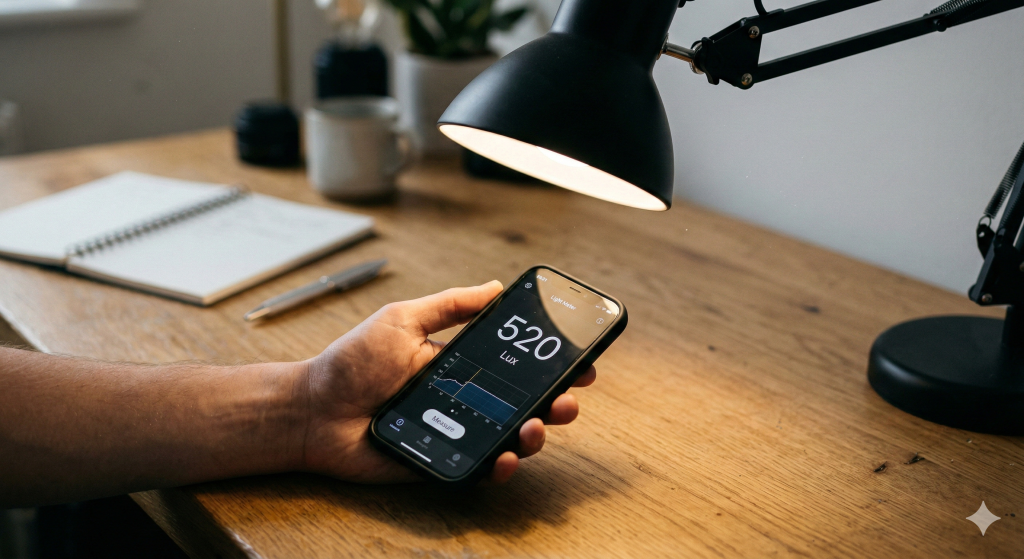
What my hands-on test revealed: I downloaded a free light meter app on my smartphone and placed the phone flat on my notebook. The 600-lumen table lamp was only delivering about 250 lux to the paper because the light was scattering across the room. I swapped it for a cheaper, 300-lumen LED task lamp with a directional head. When I angled it at my notebook, the app registered a massive 750 lux.
The Corrected Result: Higher lumens do not automatically mean brighter desk lighting. By focusing the beam, I doubled my actual surface brightness while cutting the total light output in half.
How to Choose Based on Lux
To protect your long-term eye health, you need to match your desk’s lux levels to the exact task you are performing.
Recommended Lux for Digital Work
If your primary focus is staring at a monitor, target 300–500 lux on your desk surface. You need enough light to see your keyboard and coffee mug, but you must avoid excessive brightness that washes out your screen or creates harsh contrast.
Recommended Lux for Reading and Writing
Paper tasks demand more light because paper does not glow. For standard reading and writing, aim for 500–750 lux. If you are doing highly detailed tasks like drafting, illustrating, or repairing small electronics, push that number to 750–1000 lux. Working below 300 lux on paper is the primary cause of squinting and tension headaches.
FAQ
Is 1000 Lux too bright for a desk? Not necessarily. For short periods of highly detailed work or intricate crafting, 1000 lux is excellent. However, for long, continuous computer sessions, 1000 lux may feel extremely harsh and cause glare fatigue if the light is not properly diffused.
How do I measure lux at home? You don’t need expensive equipment. You can download a free lux meter app on your smartphone. Place the phone flat on your desk surface exactly where your book or keyboard usually sits (do not hold the phone up near the lamp bulb) to get an accurate reading of your usable light.
Is lux or lumens more important when buying a lamp? For desk lighting, lux is far more important. Lumens only tell you how powerful the raw LED chip is, but lux tells you how successfully that lamp’s design delivers light to your actual workspace.