

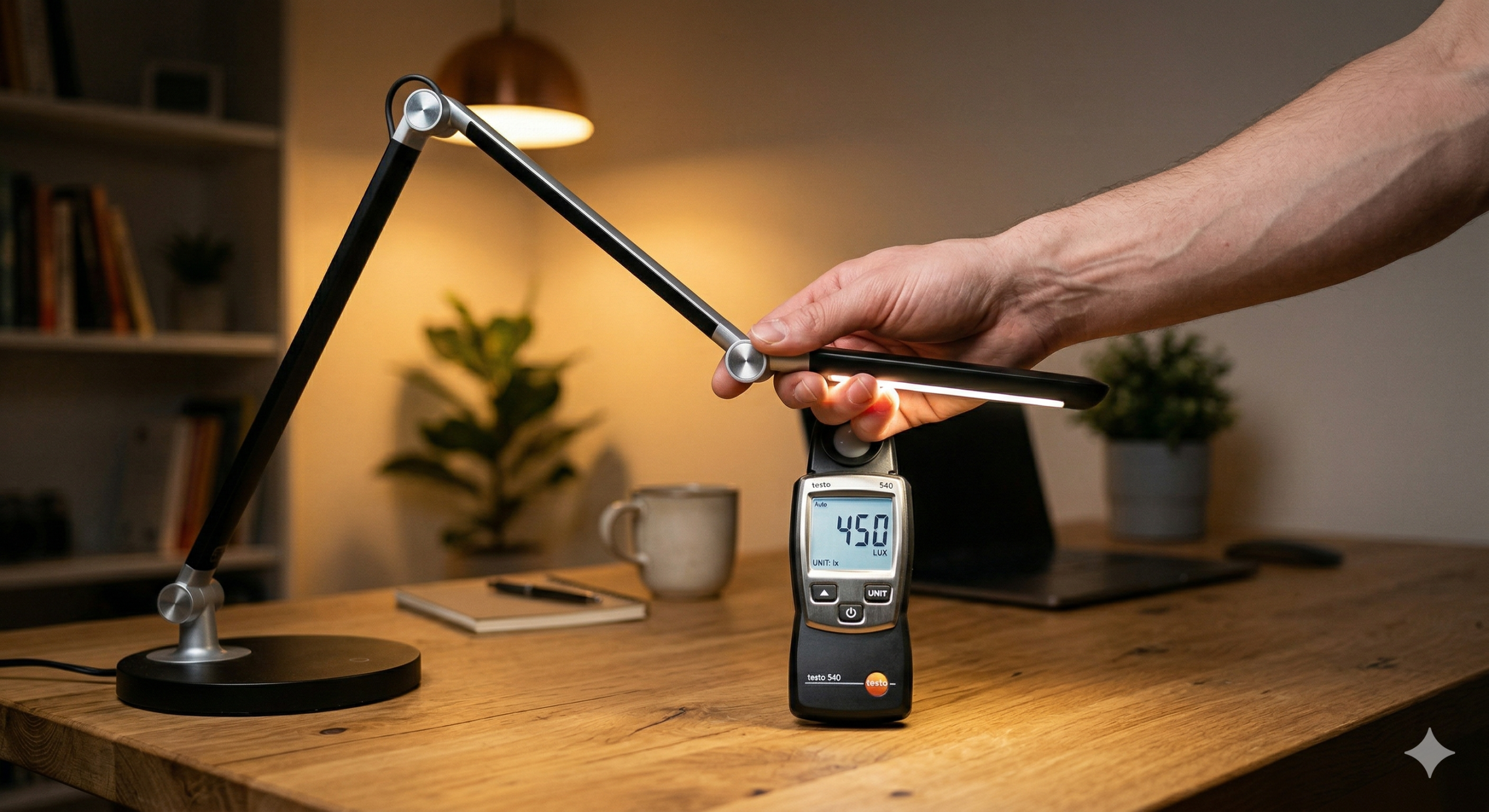
Quick Answer: > Desk lighting affects focus through one core mechanism: visual workload. Sustained concentration requires stable retinal adaptation. If your task light creates high contrast, harsh glare, hidden flicker, or poor color rendering, your visual system is forced to constantly recalibrate. This drains cognitive endurance. For optimal focus, aim for a balanced 300–500 lux at the desk surface, eliminate direct glare, and match your color temperature to the time of day.
The Technical “Traffic Lights”: What Actually Drives Focus
The relationship between desk lighting and eye fatigue is not about finding the brightest bulb. It is about managing the hidden stressors that force your eyes to work harder than necessary.
🟢 Green Light: Illuminance and Adaptation Balance
The first metric that matters is illuminance at the task plane (measured in lux) and its contrast ratio with the surrounding room.
For reading and keyboard work, most users perform best around 300–500 lux on the desk. High-precision tasks (drawing, soldering, tiny print) may require 750–1,000 lux. If local illuminance is too low, your pupils dilate, reducing depth of field and increasing accommodative strain.
However, the real focus-killer is adaptation conflict. Your eyes are not cameras with fixed exposures; they continuously rebalance sensitivity. If your desk is blasted with 1,000 lux but the rest of the room is pitch black, your retinas must drastically readjust every time you look away from your notebook to your monitor or the wall. Over a 90-minute work block, this constant oscillation causes deep visual fatigue.
- The Fix: Keep the brightness ratio between your task area and the immediate surroundings within a 3:1 range. Good desk lighting supports the dominant task while preserving adaptation continuity across your entire visual field.
🟡 Yellow Light: Glare Control and Hidden Flicker
Many people assume glare simply means “too bright,” but ergonomically, glare is “too bright in the wrong place.”
A bare LED emitter in your direct line of sight triggers squinting, micro-avoidance postures, and a reduced blink rate. Furthermore, reflected glare from glossy desks, laminated paper, or tablet screens can bounce the lamp’s image directly into your eyes, washing out the contrast of the text.
In cognitive terms, glare creates a hidden tax: your working memory resources are consumed by perceptual correction instead of deep work.
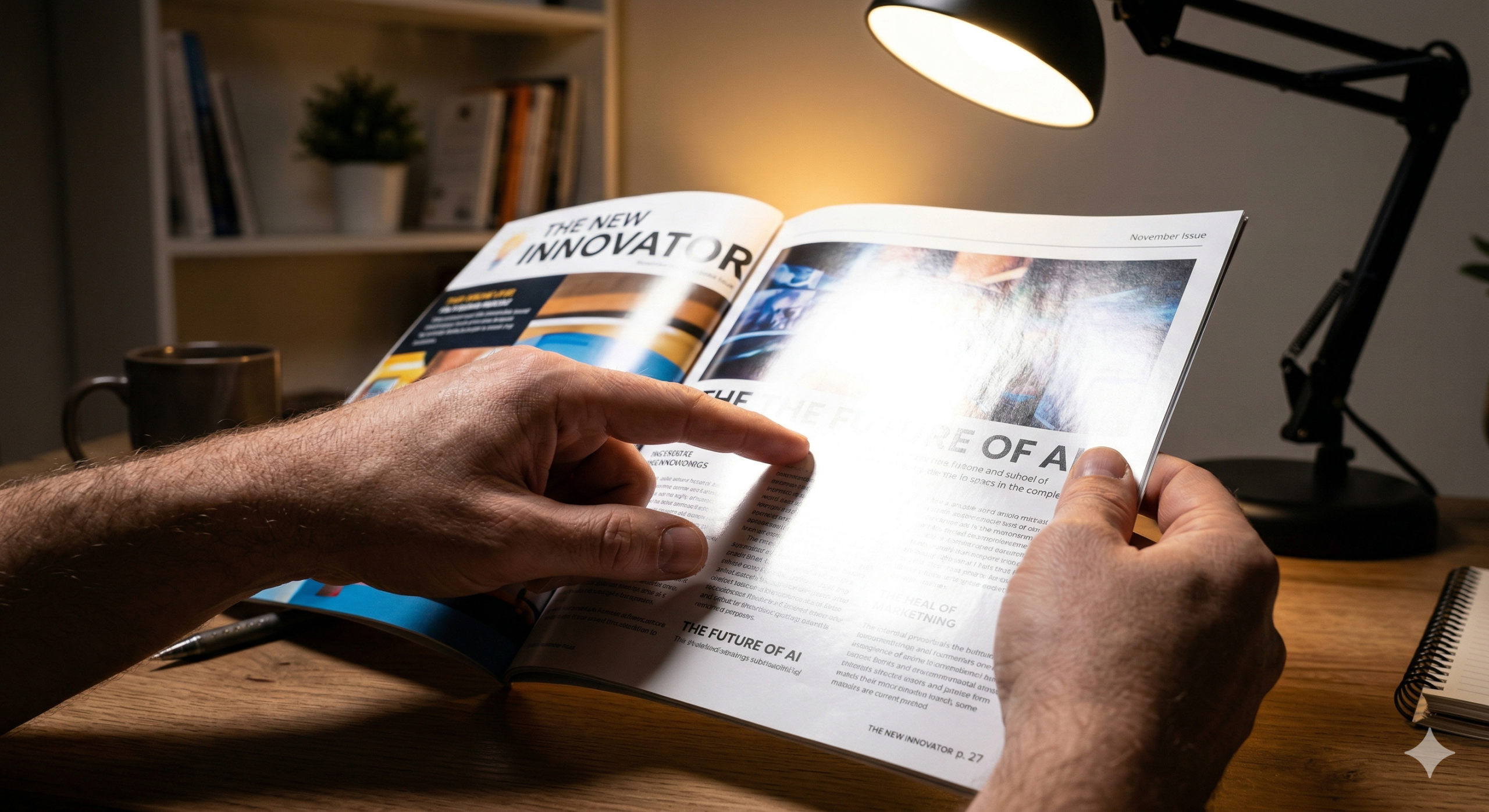
Flicker is a glare-adjacent stressor. Poor-quality LED drivers can produce modulation artifacts that, while invisible to the conscious eye, cause headaches, agitation, and rapid fatigue. If you find yourself unable to focus under a specific lamp, audit its flicker performance and reflection geometry before blaming the color temperature.
🔴 Red Light: Spectral Quality and Timing (CCT & CRI)
Correlated Color Temperature (Kelvin) directly impacts your biological alertness cues.
- Cooler light (4000–5000K): Supports daytime vigilance and sharpens text-edge perception.
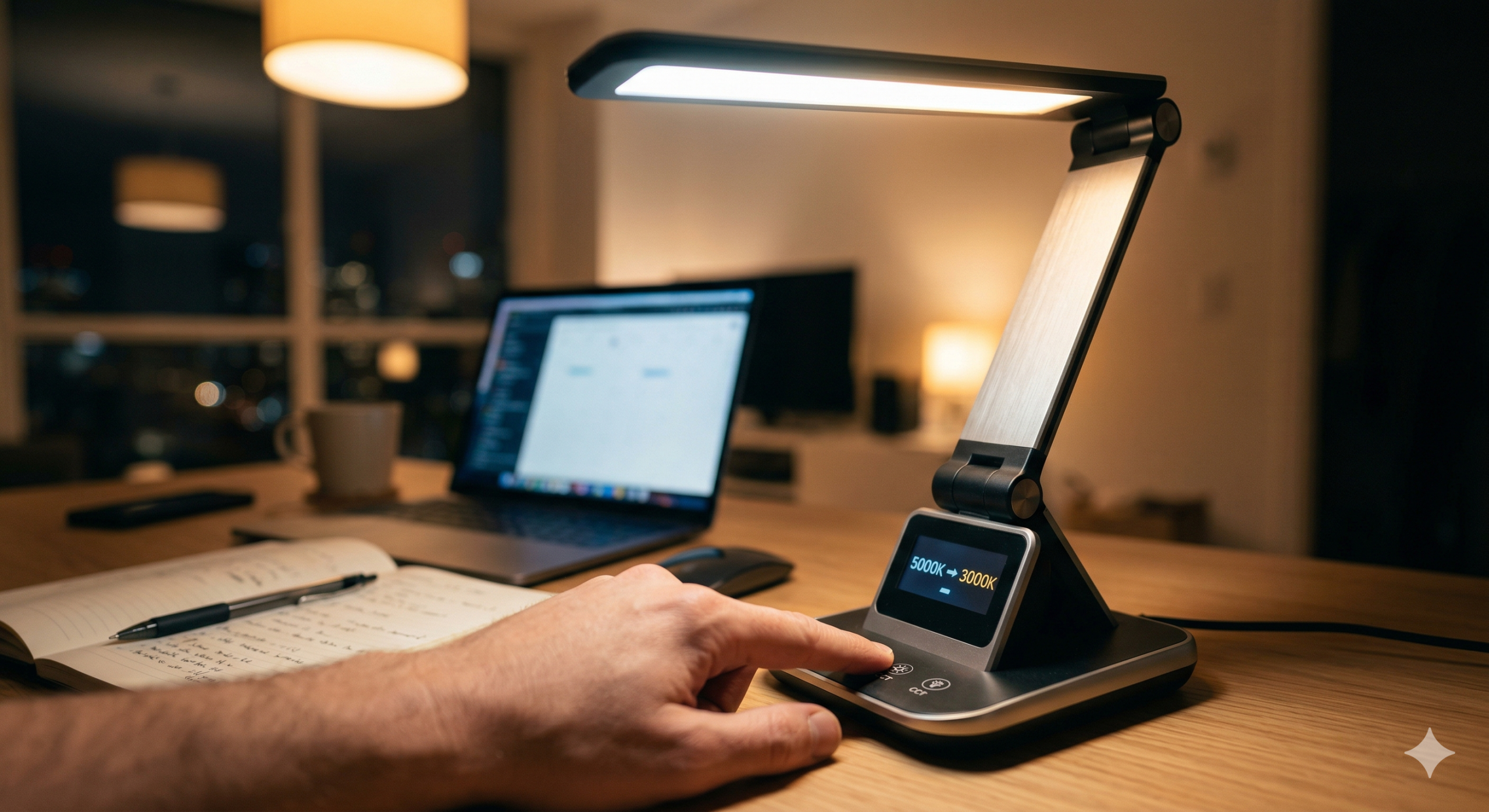
- Warmer light (2700–3000K): Reduces circadian disruption and is significantly better tolerated during evening work sessions.
There is no universal “best” Kelvin. The optimal spectrum depends entirely on your work schedule.
Additionally, a lamp with poor color rendering (CRI below 80) flattens contrast, making colored charts and skin tones look muddy. This increases interpretation time. Aim for CRI 90+ for any desk task involving mixed media or design.
What My Hands-On Test Revealed
I used to assume that any high-output desk lamp would automatically improve my productivity. To test this, I bought a 1,200-lumen task light, aimed it directly at my notebook, and started a long writing session.
Within 30 minutes, I was constantly squinting and shifting my posture.
I ran a structured 45-minute reading test comparing two setups: Condition A: The high-output, bare-source lamp. Condition B: A highly shielded, diffused lamp locked at 450 lux, paired with balanced ambient fill light from the ceiling.
The Result: Performance and comfort skyrocketed under the balanced, low-glare geometry (Condition B), despite it emitting fewer total lumens. My subjective strain score dropped from a 7 out of 10 down to a 3. I stopped constantly repositioning my head.
Throwing raw brightness at a focus problem usually makes it worse. Distribution and glare control are the true game-changers.
🧠 Concept Break: Visual Ergonomics > Raw Brightness People usually optimize desk lighting by looking at wattage or modern design, but sustained focus relies entirely on visual ergonomics. When your lighting setup respects how your eyes naturally adapt to contrast, you stop fighting your environment and start working with it.
Actionable Decision Framework for Better Focus
- Establish Your Task Hierarchy: If your work is 90% screen-based, prioritize ambient room balance and glare-free vertical illumination before adding a desk lamp. If your work is paper-heavy, secure your 500 lux task baseline first.
- Eliminate Sightline Emitters: Never allow a bare LED diode to be visible from your normal seated posture. Choose fixtures with recessed optics, baffles, or high-quality diffusion panels.
- Implement a Spectral Strategy: Use tunable lighting. Run neutral-cool settings during the day for crisp discrimination, and shift to warmer, dimmer settings after sunset to preserve your circadian rhythm.
Frequently Asked Questions
What is the best desk light brightness for preventing eye strain? For standard reading and computer work, a baseline of 300–500 lux at the desk surface is ideal. Precision tasks may require 750+ lux. However, uniform distribution and strict glare control are far more important than the exact lux number.
Is warm or cool desk lighting better for focus? Cooler light (4000–5000K) enhances perceived clarity and alertness during the day. Warmer light (2700–3000K) is vastly superior for evening focus because it prevents biological sleep disruption. Tunable lamps offer the best of both worlds.
Why do my eyes feel tired even when my desk is bright enough? Because brightness is only one factor. You likely suffer from adaptation mismatch (a bright desk in a dark room), hidden LED flicker, or reflected glare washing out your documents. Eye fatigue is multi-factorial; resolving it requires balancing the entire visual field, not just adding a brighter bulb.