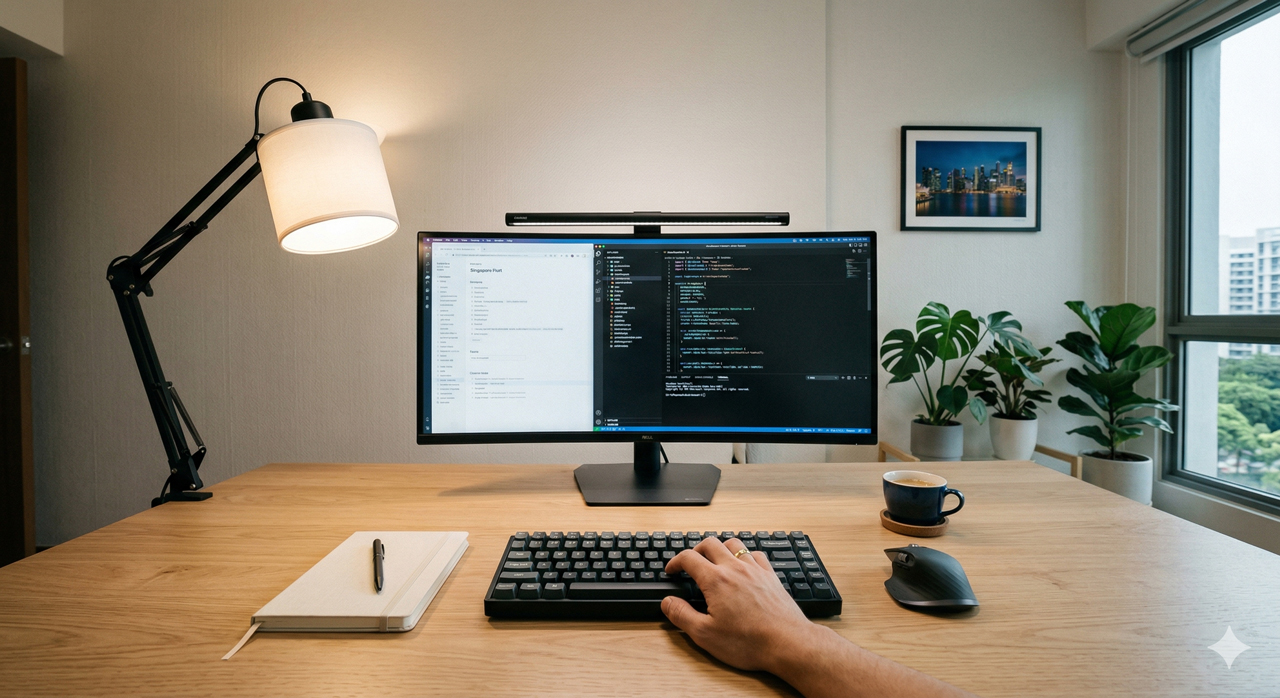

If your desk feels dim, causes screen glare, or leaves your face in shadow during video calls, the reflex is usually to “just buy a brighter lamp.”
However, proper desk lighting isn’t about raw brightness. It is a delicate balance of task illuminance, ambient adaptation, beam control, and color quality. Pumping more lumens into a poorly positioned setup will only amplify your visual fatigue.
Quick Answer: > The secret to a perfect home office setup is Layered Lighting. Never rely on a single desk lamp in a dark room. Start with moderate ambient room light to reduce eye strain. Add a diffused desk lamp (300–500 lux, 4000K, CRI 90+) positioned on the opposite side of your dominant hand to eliminate shadows. Finally, if you do video calls, add a soft, off-axis fill light specifically for your face.
The Core Problem: Visual Adaptation Strain
Why does a bright desk lamp often make your eyes feel worse? It comes down to how your visual system works. Your eyes do not respond to the brightness of one object in isolation—they adapt to the overall luminance pattern in the room.
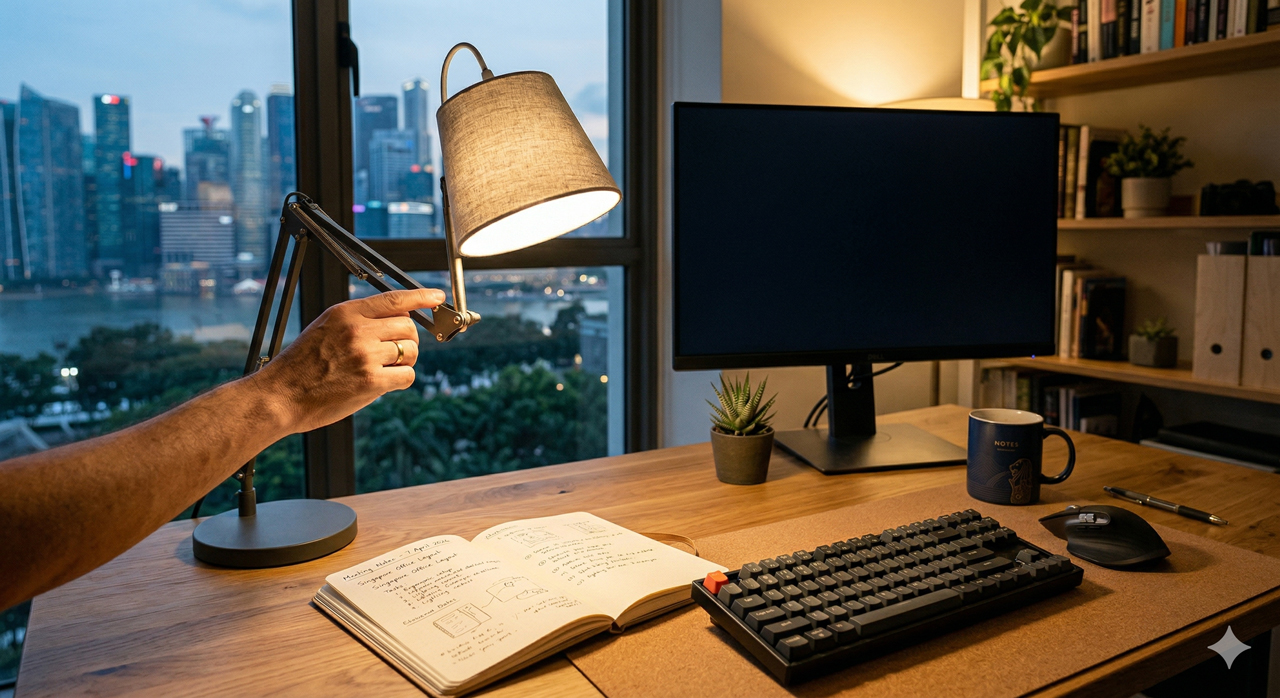
If your desk is blasted with light but the surrounding room is pitch black, your pupils must violently readjust every time you shift your gaze from your brightly lit notebook to your dark background. Over a two-hour deep-work session, this constant adaptation cycle heavily strains your eye muscles.
This is why ambient balance is your first priority. A monitor is a self-luminous surface. If the room is too dark, the monitor dominates your visual field, amplifying the stark contrast. The correct setup is always layered: moderate ambient room lighting to calm the adaptation stress, plus a focused task light where the actual work happens.
The Golden Metrics for Productivity
Stop judging your desk setup by the wattage on the lightbulb box. To engineer a comfortable workspace, you need to hit three specific targets:
1. Lux (Illuminance at the Surface)
You need to measure what actually reaches your desk, not just what leaves the bulb.
- 300–500 lux: Perfect for general computer work, typing, and reading casual documents.
- 500–750 lux: Necessary for intensive detail tasks, technical drafting, or reviewing fine print.
- Pro Tip: A matte wood desk absorbs light, while a white laminate desk reflects it. The exact same lamp will yield drastically different lux readings on these two surfaces.
2. Color Temperature (The 4000K Sweet Spot)
For a home office, 3500K–4500K is the most stable and versatile range. Below 3000K (very warm), black text loses its crisp edge. Above 5000K (very cool), the desk can look clinically sterile, and poor-quality LEDs in this range often feel fatiguing at night. 4000K (Neutral White) integrates perfectly with daytime sunlight and provides sharp contrast without causing severe circadian disruption during late-night sessions.
3. Color Rendering Index (CRI 90+)
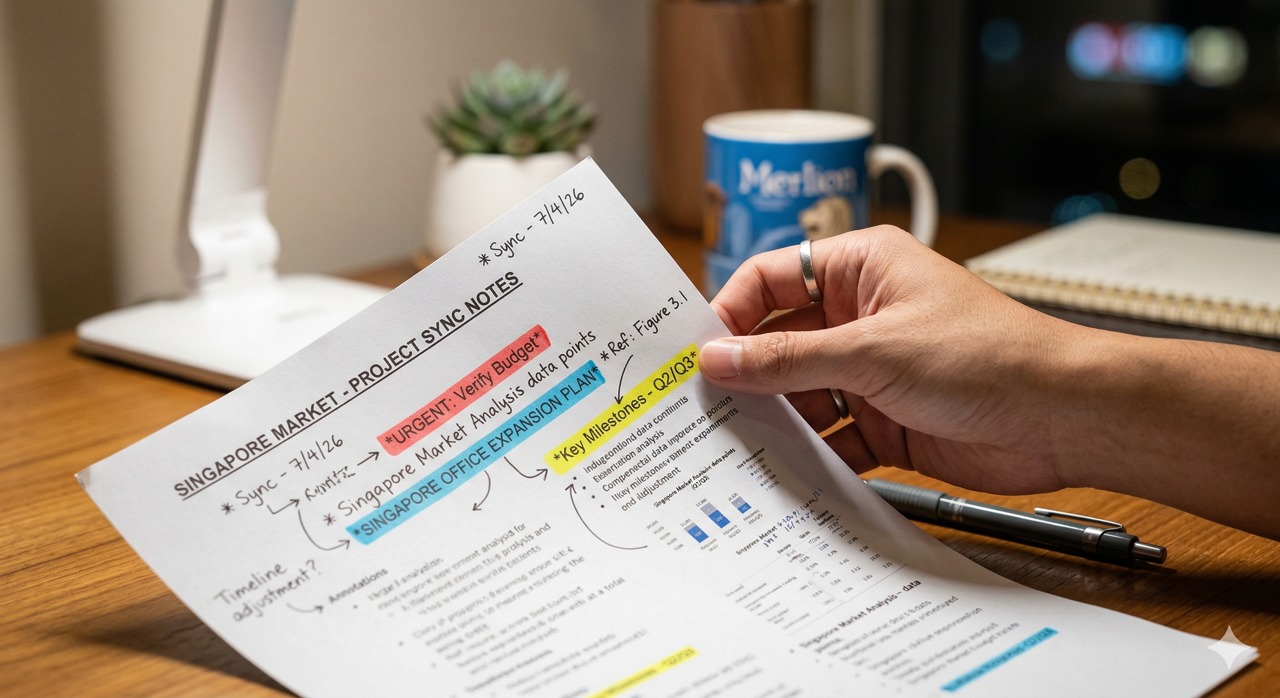
If you review printed materials, design proofs, or handwritten notes with colored highlighters, aim for CRI 90+. Low-CRI lighting flattens tonal differences, making red and orange markups muddy. Your brain has to work harder to resolve these subtle contrast cues, secretly draining your cognitive endurance.
How to Build Your Setup (By Workflow)
The perfect setup depends entirely on how you use your desk. Apply these targeted layering strategies based on your daily routine:
Scenario A: The Screen-Heavy Coder/Writer
If your day is spent in emails, spreadsheets, or code editors, uniformity and glare control matter more than maximum output.
- The Setup: Turn on your ambient ceiling light. Add a monitor light bar or a side-mounted desk lamp to softly illuminate your keyboard and notepad (targeting 300 lux).
- The Rule: Never aim the lamp so it reflects directly into the screen. Glossy displays will mirror the bulb, and matte screens will suffer from “veiling reflections” that wash out the contrast of your code.
Scenario B: The Paper & Planning Desk
If your desk is used for handwriting, journaling, or reviewing physical documents, you need to elevate your task illuminance to 500–750 lux while strictly managing shadows.
- The Setup: Place a fully adjustable desk lamp on the opposite side of your dominant hand (left side for right-handed users).
- The Rule: Keep the lamp head slightly forward and above eye level. This ensures that your writing hand never casts a dark shadow over the exact line you are trying to read.
Scenario C: The Video Call Station
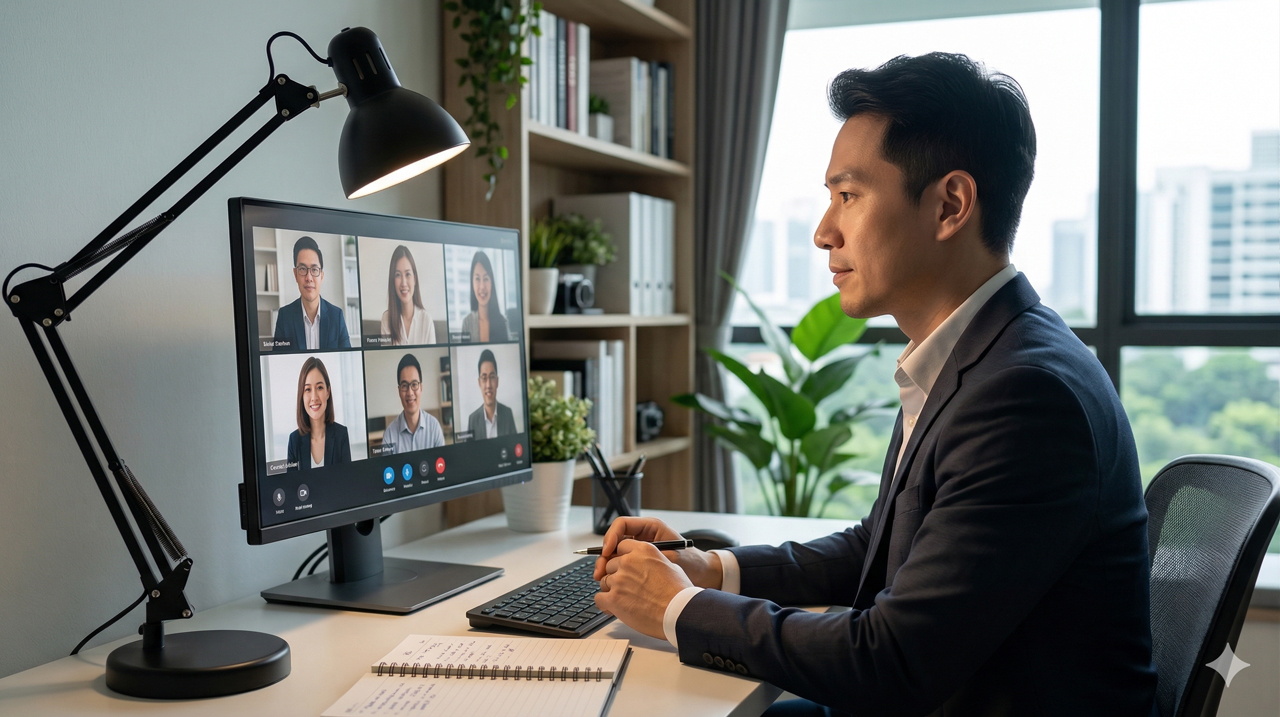
This is where 90% of home offices fail. They light the desk perfectly, but leave the user’s face severely underlit, resulting in a dark, grainy webcam feed.
- The Setup: Do not aim your desk lamp at your face—this will blind you. Keep the desk lamp aimed at your papers.
- The Rule: Add a dedicated, highly diffused fill light (like a small key light or a ring light bounced off a wall) positioned at a 30–45 degree off-axis angle to your face. This provides a professional, natural appearance without interfering with your desk visibility.
Frequently Asked Questions
Is a monitor light bar enough for home office lighting? No. A monitor bar is excellent for lighting your keyboard and eliminating screen glare, but it does not provide ambient room illumination. If you only use a monitor bar in a dark room, your eyes will suffer from extreme adaptation stress. Always pair it with overhead lighting or background ambient light.
What is the best desk lamp position to avoid shadows while writing? Always place the lamp on the opposite side of your dominant writing hand (left side for right-handed users, right side for left-handed users). Angle it downward toward the paper. This keeps hand-cast shadows trailing safely behind your pen, rather than obscuring the text you are writing.
How do I know if my desk is too bright or too dim? Look for three physical symptoms:
- If you squint when glancing near the lamp, the source is too bright (or unshielded).
- If you struggle to read low-contrast text, the task area is too dim.
- If your eyes feel strained after alternating between your paper and your monitor for 10 minutes, your luminance balance is off. Adjust your ambient room light first before tweaking the desk lamp.