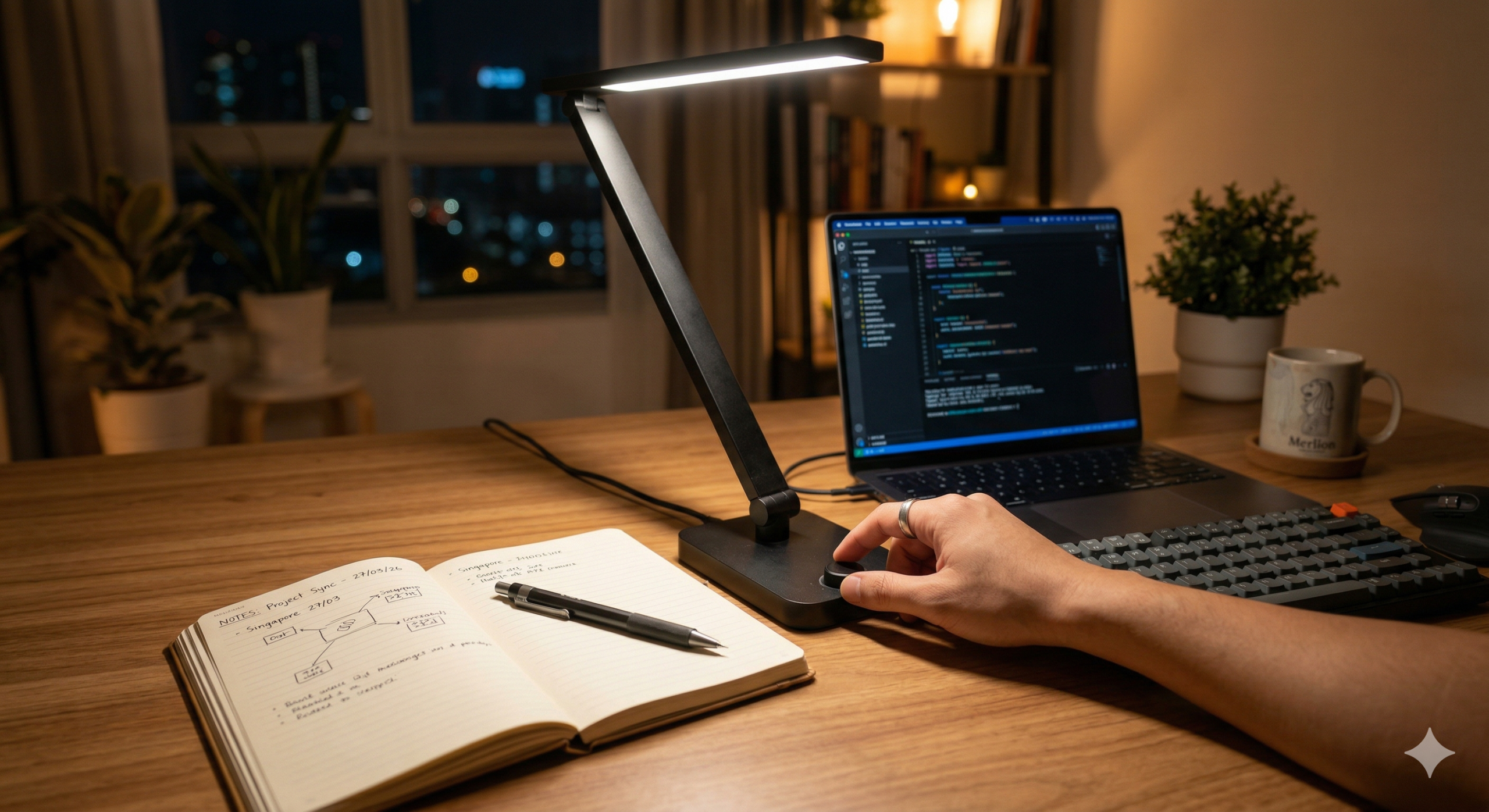

If your desk lamp causes glaring reflections, eye strain, or frustrating shadows over your work, the fix is usually geometry, not brightness.
Most people assume that simply buying a higher-wattage bulb will solve their visibility problems. In reality, cranking up the brightness often amplifies reflections, widens the contrast gap between your lit desk and a dim room, and fatigues your eyes much faster. The variables that actually dictate comfort are incident angle, measured illuminance (lux), and spectral quality—not the lumen count printed on the box.
Quick Answer: > To achieve perfect desk lighting, position the lamp on the opposite side of your dominant hand to eliminate shadows. The lamp head should sit 35–50 cm above the desk, offset laterally, with the beam hitting your work surface at a 30–45° angle. Keep the bulb out of your direct line of sight and aim for a balanced 300–500 lux on your primary task area.
Common Mistake: More Lumens ≠ Better Focus
Before adjusting your setup, it is crucial to understand the difference between Lumens and Lux. A lamp advertised as “700 lumens” does not guarantee usable task lighting because the actual light hitting your desk (lux) depends on the distance and beam spread.
- The Hotspot Trap: A high-lumen lamp with a narrow optic produces intense central lux but poor uniformity. Your eyes will constantly struggle to adapt between the blinding hotspot and the dark periphery of your desk.
- The Solution: Prioritize uniformity. You want smooth coverage at a moderate peak intensity. Dimmable lamps are essential here, allowing you to calibrate the light to the time of day and the specific visual demand of your task.
Step-by-Step Lamp Positioning Guide
Let’s break down the exact physical parameters that separate a comfortable workspace from an eye-straining one.
Step 1: Master the Incident Angle (The 30–45° Rule)
Shadows and reflected glare are purely geometric problems. Your primary goal is to deliver useful illuminance while bouncing hot-spot reflections away from your eyes.
- For Writing by Hand: Always place the lamp on the opposite side of your dominant hand. If you are right-handed, place the lamp on the left. If you are left-handed, place it on the right. This immediately prevents your hand from casting a moving shadow over the line you are writing.
- The Ideal Setup: Position the lamp head 35–50 cm above the desk and 20–40 cm laterally offset from the center of your task. The beam should intersect the desk at a 30–45° angle.
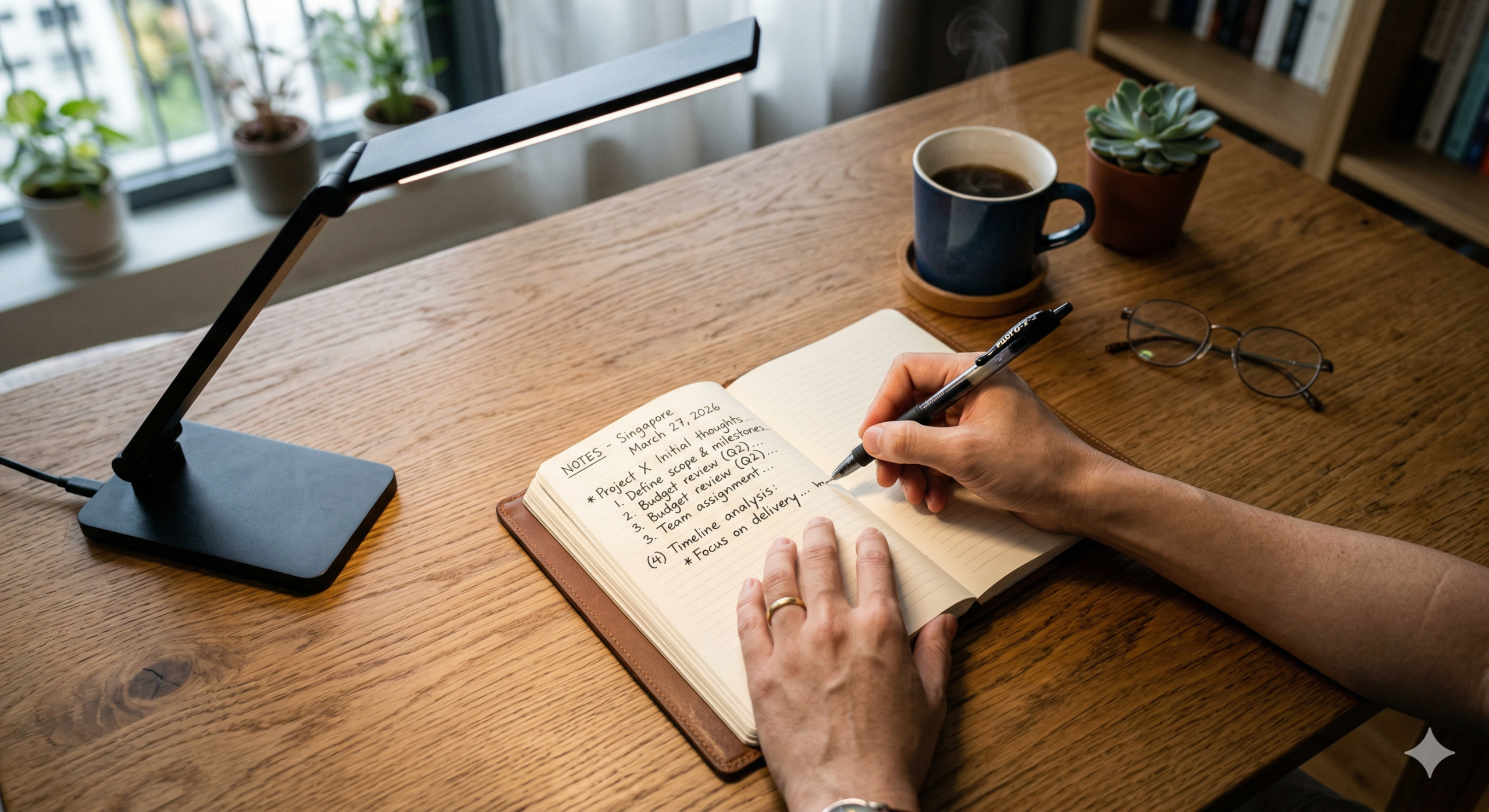
Step 2: Establish Your Lux Targets
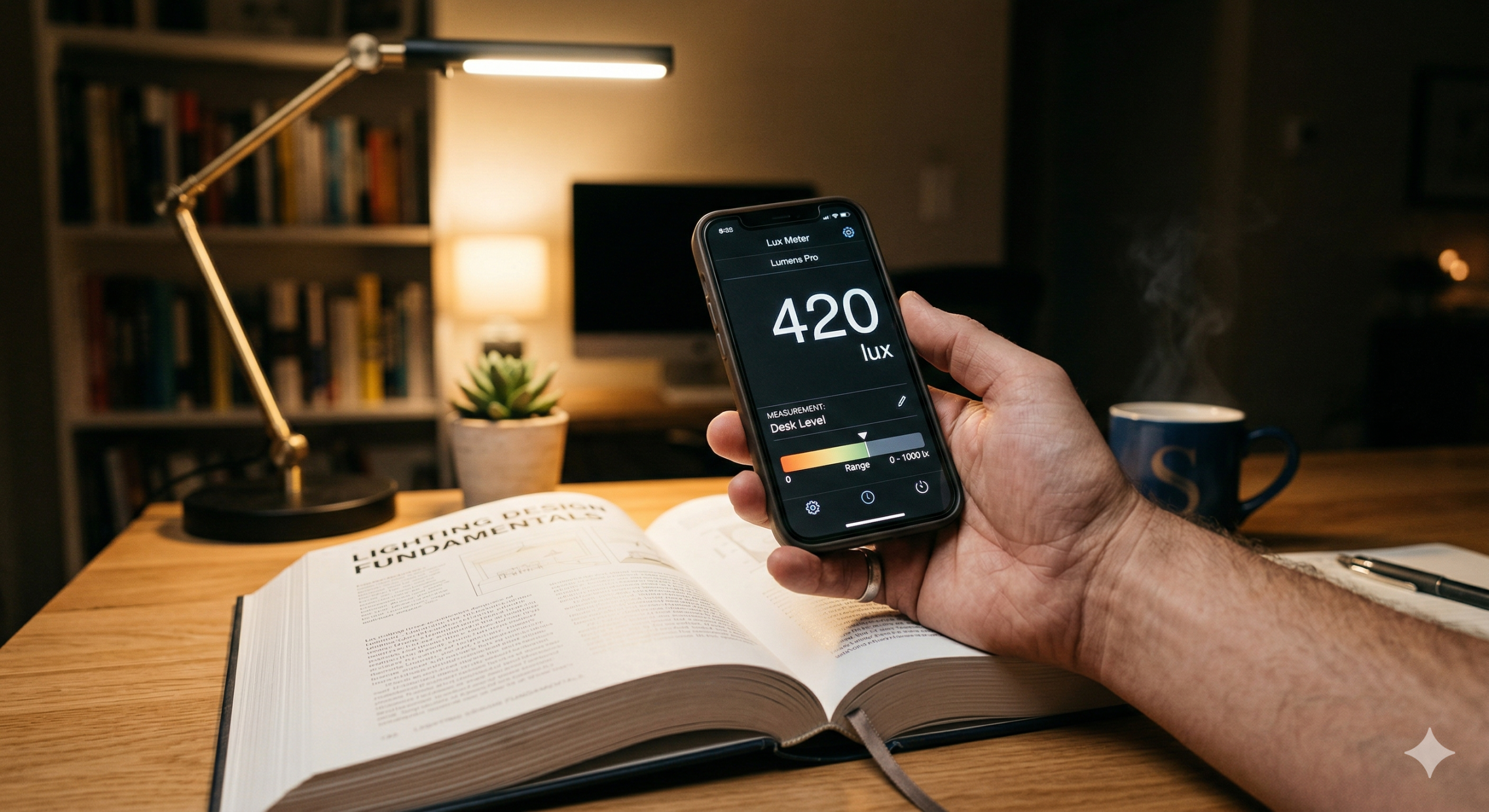
Stop relying on subjective brightness. For precise control, use lux (illuminance at the task surface). You can use a free smartphone lux meter app to check consistency: measure the center of your page, then measure 20 cm away. If the drop-off is extreme, raise your lamp or widen its beam.
- General Reading/Writing: 300–500 lux is usually sufficient.
- Precision Work (Drafting, soldering, fine crafts): 750–1,000 lux is more appropriate.
Step 3: Choose the Right Spectral Quality (CCT & CRI)
Correlated Color Temperature (CCT) affects your alertness, while the Color Rendering Index (CRI) impacts your discrimination effort.
- Warm Light (2700–3000 K): Relaxing and perfect for evening reading to avoid circadian disruption.
- Neutral Light (3500–4000 K): The sweet spot for long daytime office sessions.
- Cool Light (5000 K+): Improves perceived acuity for technical tasks, but can feel harsh at night.
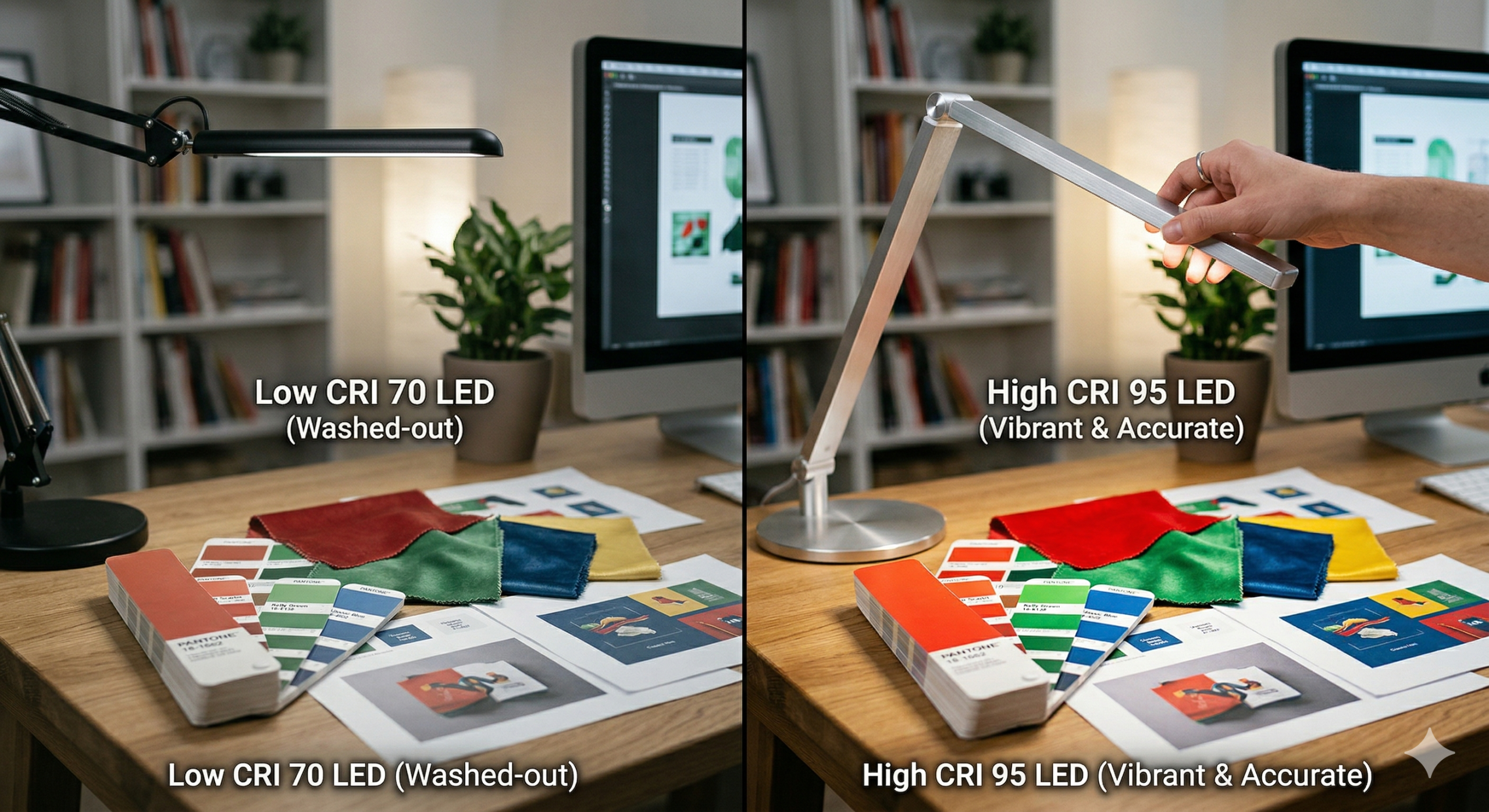
Treat CRI 90+ as a functional requirement. Lower CRI (80 or below) can distort subtle color differences, making design work or color-coding frustrating.
Actionable Configurations by Desk Type
How you position your lamp depends entirely on what sits in front of you. Here is the decision framework for the three most common setups:
Scenario A: The Paper-Heavy Desk
Place the lamp opposite your writing hand and offset laterally. Aim the beam directly at the page center with a target of 300–500 lux. Stick to a neutral CCT (3500–4000 K) and ensure the bulb is physically above eye level but shielded from your direct sightline.
Scenario B: The Monitor-Dominant Desk
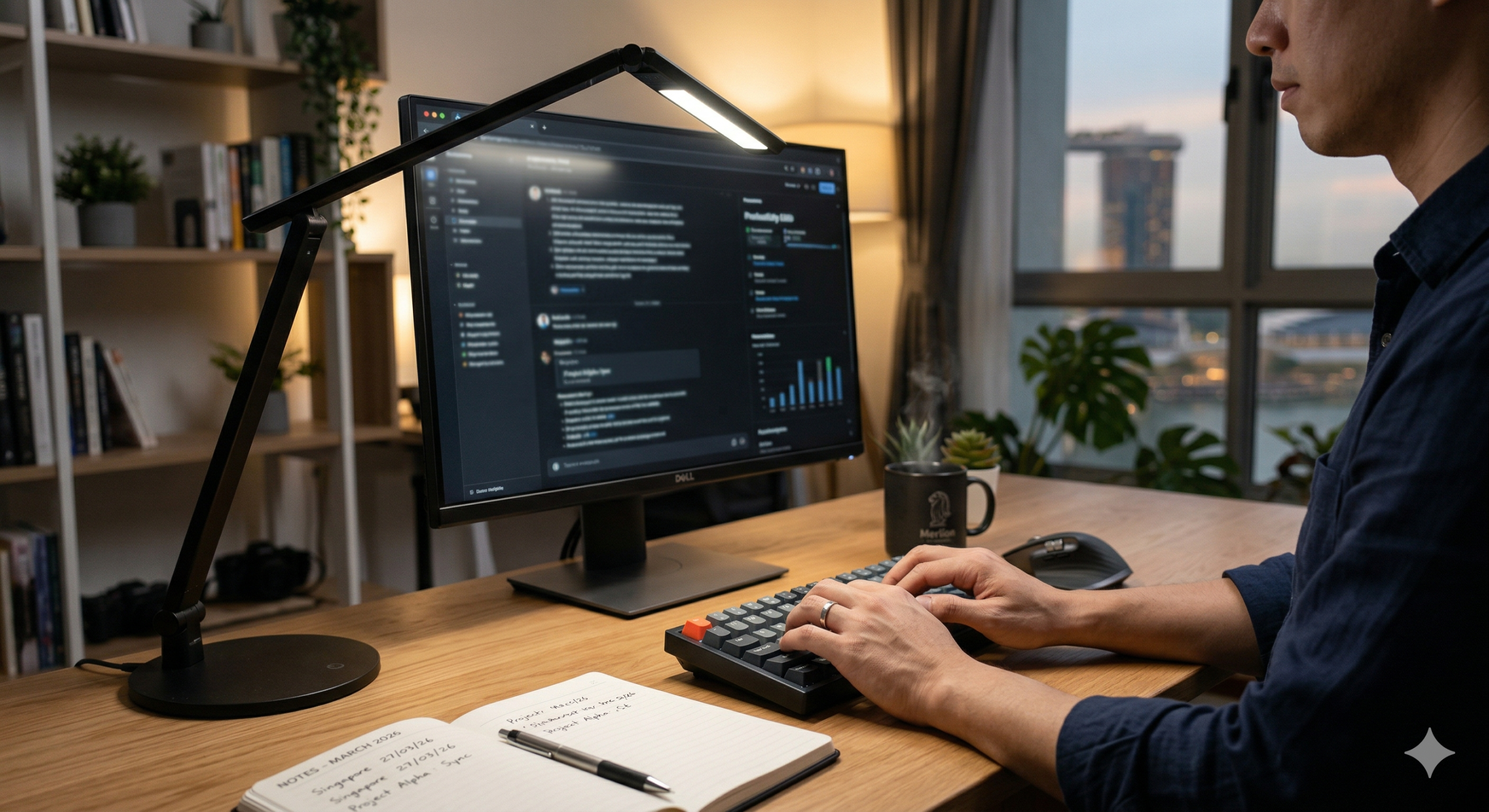
For screen-heavy setups, your main objective changes: you must reduce veiling reflections on the monitor while maintaining enough light on your keyboard.
- The Fix: Place the lamp slightly behind the monitor’s edge or farther to the side. Tilt the head downward so the beam never hits the screen glass. Use a softer 200–400 lux to gently illuminate your work zone, acting as an ambient fill to reduce the stark contrast between the bright monitor and a dark room.
Scenario C: The Technical / Precision Bench
Deploy higher illuminance (750–1,000 lux), tight beam control, and CRI 90+. Crucially, introduce a secondary ambient fill light (like a ceiling fixture or a diffused light bar) to soften the extreme shadows created by such intense, single-direction lighting.
Frequently Asked Questions
What is the best desk lamp position to avoid eye strain? Place the lamp so the light lands on your material from the side at about a 30–45° angle, with the bulb completely outside your direct sightline. Keep the working-plane illuminance stable (around 300–500 lux) to prevent your eyes from constantly readapting.
Should my desk lamp be in front of me or behind me? Neither. Direct front placement creates glare bouncing right into your eyes or onto your screen. Direct rear placement casts a shadow of your head and torso onto your work. Side placement with a controlled downward aim is the optimal geometric setup.
How bright should a desk lamp be when using a computer? Target a moderate 200–400 lux on the desk surface. You want just enough light on your keyboard and papers to read comfortably, without creating a harsh contrast gap between your bright monitor and a pitch-black room.