

If your desk lamp is causing glare, the fix is almost always geometric. You have probably tried dimming the lamp, switching bulbs, or buying “flicker-free” models, only to find that the eye strain persists.
The reason is simple: glare is a directional problem first, and an intensity problem second. Once you understand the physics of how light bounces off your desk and enters your eyes, you can eliminate discomfort without sacrificing the brightness you need to focus.
Quick Answer: > To eliminate desk lamp glare, position the light source outside your direct line of sight and outside the mirror-reflection path. Use a 30–45° lateral angle, elevate the lamp head 35–50 cm above the desk, and aim the beam across the task. Never aim the light straight down onto glossy materials or directly into your eyes.
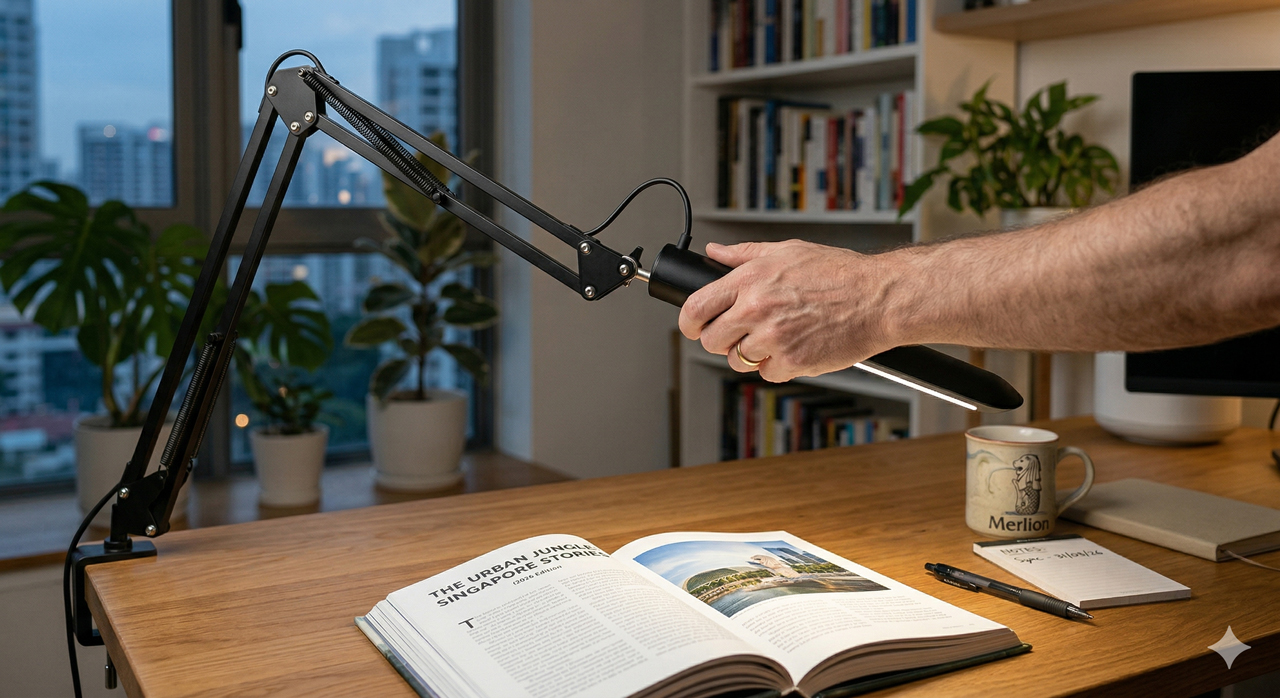
The Physics of Glare: Data Breakdown
Most desk-lamp discomfort is not caused by “too much light,” but by misdirected luminance. Your visual system can easily tolerate high illuminance on paper (typically 500–1,000 lux for detailed tasks) as long as the source luminance is controlled.
The Reflection Law
Glare appears when specular reflection from paper, tablet glass, or laminated surfaces sends a high-contrast image of the lamp directly toward your eyes. Think of the reflection law: incidence angle equals reflection angle. If your eyes, the desk, and the lamp are aligned perfectly, the reflected ray hits your pupils, washing out text contrast.
The Geometric Fix
For reading clarity, the target is a high task contrast ratio. On typical desks, this exact geometry is consistently effective:
- Lamp Head Height: 35–50 cm above the work plane.
- Lateral Offset: 25–40 cm to the side.
- Beam Angle: Intersecting the desk at 30–45°.
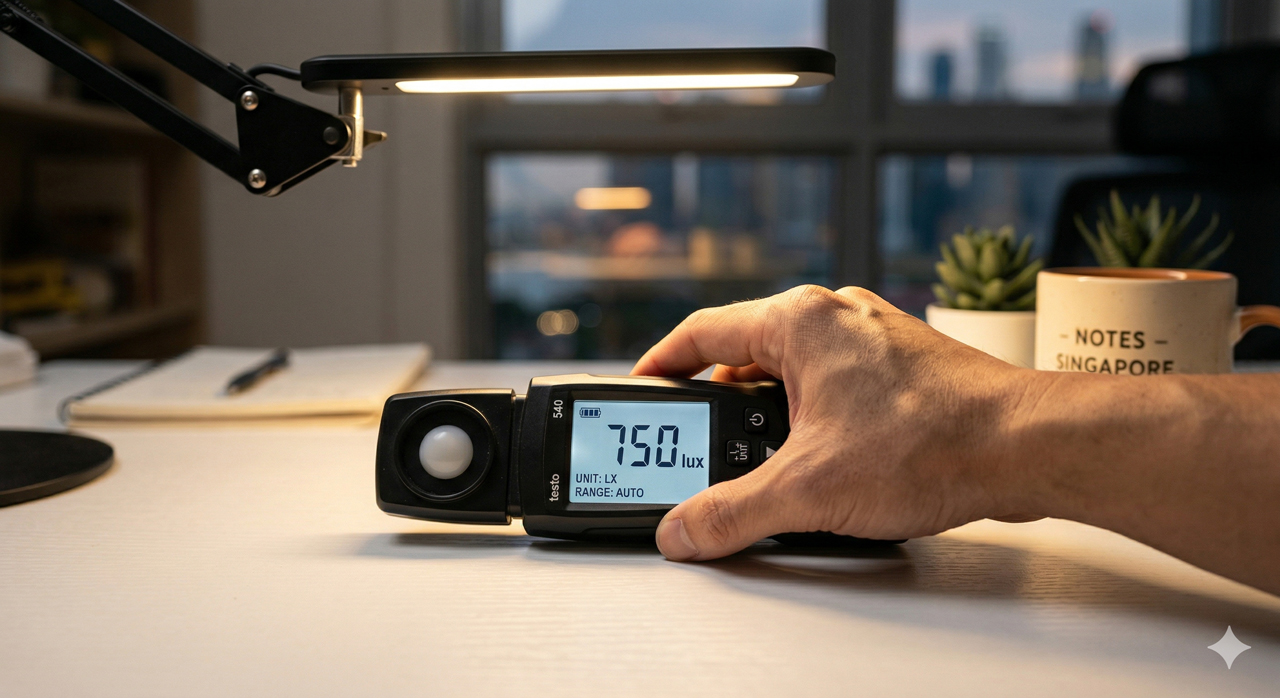
Application Scenarios: Positioning by Task
How you angle your lamp depends entirely on your primary workflow and the materials on your desk.
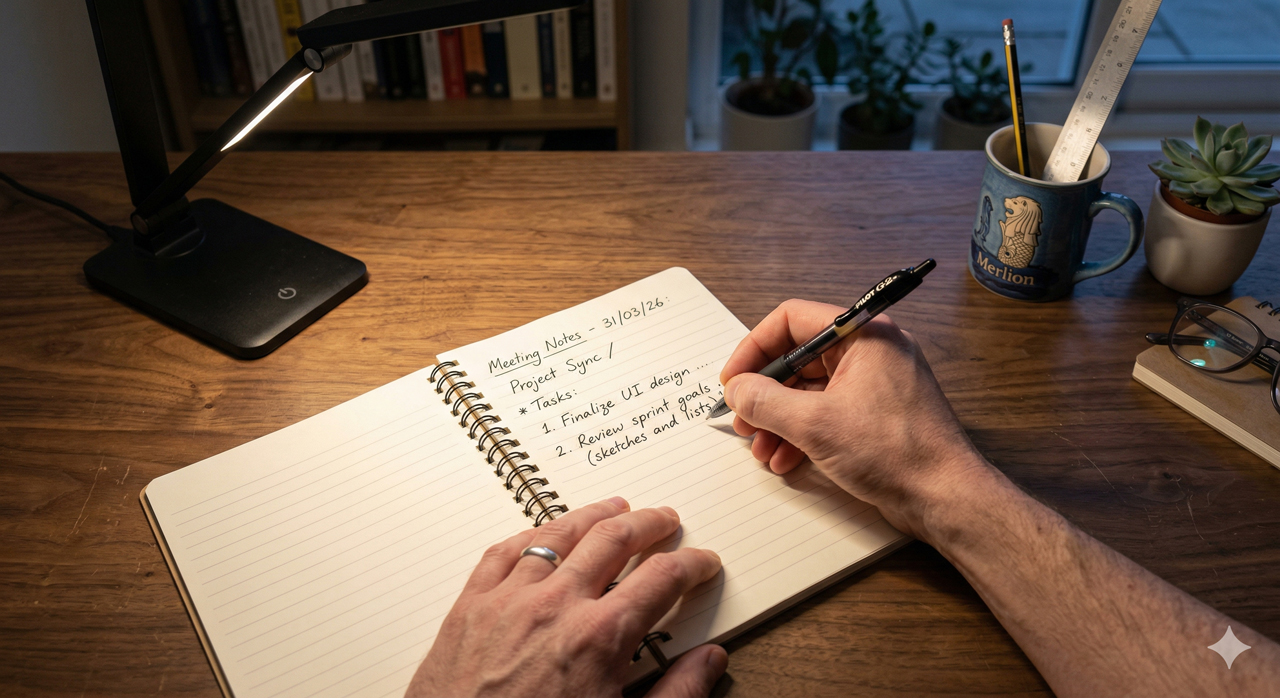
Scenario A: Writing by Hand (The Handedness Rule)
Shadows function as visual noise. If you write with the lamp on the same side as your dominant hand, you cast a dense pen-tip shadow directly over your line of sight.
- Right-handed users: Place the lamp left-front.
- Left-handed users: Place the lamp right-front. Aim the beam diagonally across the page to eliminate occlusion shadows completely.
Scenario B: Screen + Paper Workflows
For monitor users, the lamp angle must avoid both direct view glare and veiling reflections on the screen. Even matte displays are sensitive to poor lamp positioning.
- Mount the lamp to the side, slightly behind the front edge of your monitor.
- Tilt the head downward so the brightest zone hits your paper and keyboard. Ensure the beam axis never points at the display plane.
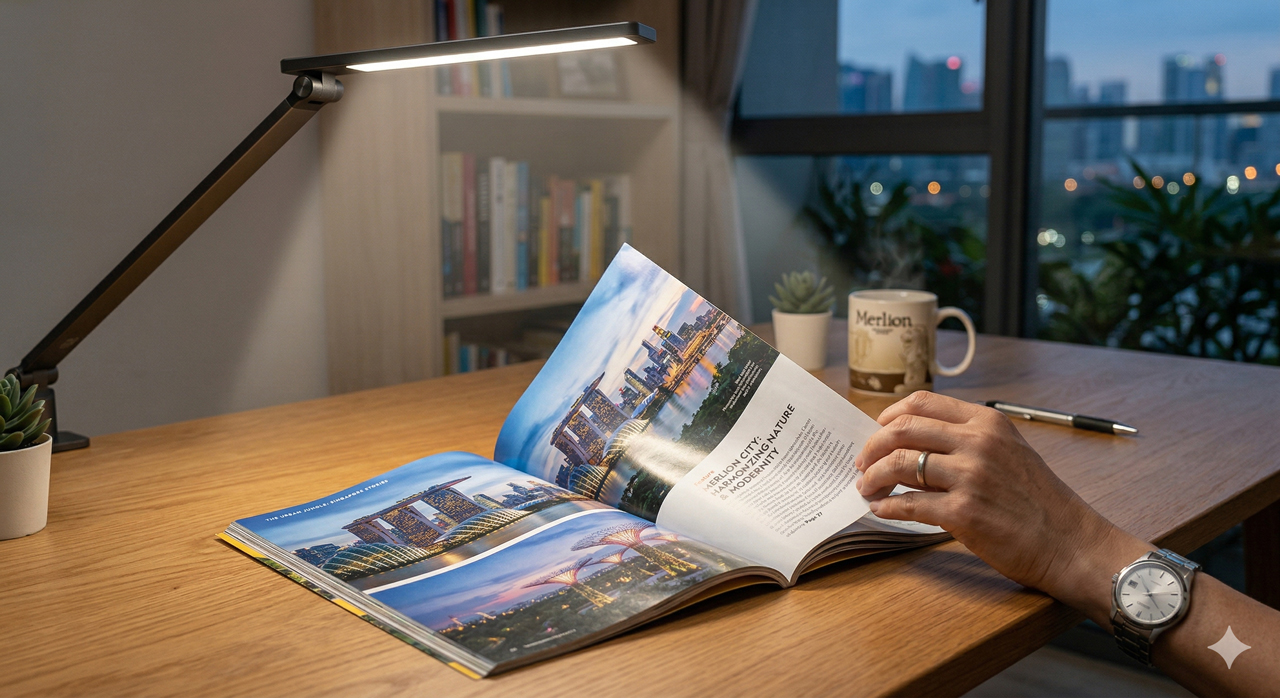
Scenario C: Glossy Materials (Magazines & Tablets)
Matte paper is forgiving; glossy magazines and tablet screens are not.
- Raise the lamp higher and increase the obliqueness (steepness) of the angle.
- Small 5–10° tilt adjustments can produce massive clarity gains. Adjust until the reflected hotspot completely exits your viewing line.
Expert Takeaways for Maximum Clarity
If you are setting up a new workspace, skip the trial and error by locking in these principles:
- Geometry First, Dimmer Second: Put the lamp so the emitter is never directly visible during a neutral seated posture. If you see a bright reflected patch, adjust the angle first—do not just reach for the dimmer.
- Dial in the Lux: Use dimming to reach the minimum lux that preserves effortless character recognition (400–600 lux for casual reading, 700–1,000 lux for fine detail).
- Color Temperature (CCT) is Secondary: Cooler light (3500–4500 K) can improve apparent sharpness for analytical work, but a higher CCT will not rescue a bad lamp angle. Prioritize placement geometry, then tune your spectrum.
- Stabilize Adaptation with Ambient Fill: Never use a desk lamp in a pitch-black room. Add low-to-moderate ambient room lighting (100–300 lux) so your eyes do not cycle between a blazing desk island and dark surroundings.
Frequently Asked Questions
What is the best desk lamp angle to reduce eye strain while reading? A reliable starting point is 30–45° from the side with the lamp head above eye level, aimed across the page. This redirects harsh reflections away from your eyes. Fine-tune with small tilt changes until no bright hotspot appears on your text.
Why do I still get glare even after dimming my lamp? Because glare is a directional problem. If the light source or its reflection sits directly on your viewing axis, even a low-brightness setting will produce veiling glare. You must reposition the lamp laterally and elevate it to correct the geometry.
Should my desk lamp be in front of me or to the side? Always to the side (slightly forward of your shoulder line). Direct front placement bounces glare directly into your eyes or onto your monitor. Side placement improves shadow control and keeps the brightest source outside your central vision.