

You’ve probably blamed your desk lamp for eye strain at least once. Maybe you cranked up the brightness, swapped in a warmer bulb, or even bought a new fixture altogether. Yet, the fatigue persisted.
Here is the uncomfortable truth: most desk lamp problems are geometry problems, not bulb problems. If your lamp sits on the wrong side of your desk, towers too high above your workspace, or aims straight at a glossy screen, you are actively engineering glare and visual fatigue—even if your lamp pumps out impressive lumens. Correct placement isn’t about guessing. It’s about balancing angle, offset distance, and beam spread.
Quick Answer: > The most common desk lamp placement mistake is positioning the lamp directly in front of you or on the same side as your dominant hand. This creates direct glare and harsh writing shadows. To fix this instantly, use cross-body lighting: place the lamp on the opposite side of your dominant hand, offset laterally, with the head 35–50 cm above the desk, angled at 30–45°.
Mistake 1: Chasing Lumens Instead of Targeting Lux
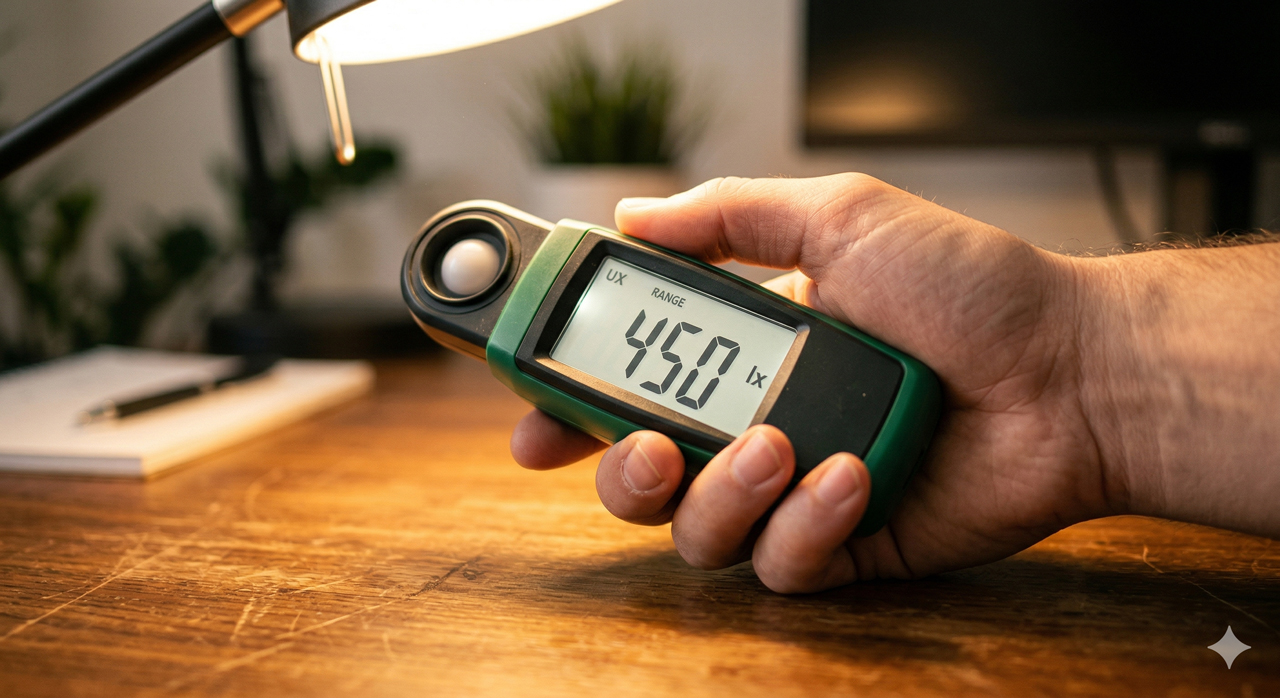
A frequent mistake is prioritizing total brightness—measured in lumens—while completely ignoring where that light actually lands (measured in lux).
A 700-lumen desk lamp can still underperform if the beam is positioned too far from the task surface. If the lamp head is 70 cm away and angled shallowly, much of the output misses the desk entirely. You will instinctively crank up the intensity, which only increases glare instead of improving visibility.
- The Fix: Move the lamp 15–20 cm closer to your work area. Because illuminance follows the inverse-square law, decreasing the distance slightly will drastically increase effective lux on your page without requiring a higher-wattage bulb. For reading and handwriting, your target should be a smooth 300–500 lux at the desk plane.
Mistake 2: The Same-Side Shadow Trap
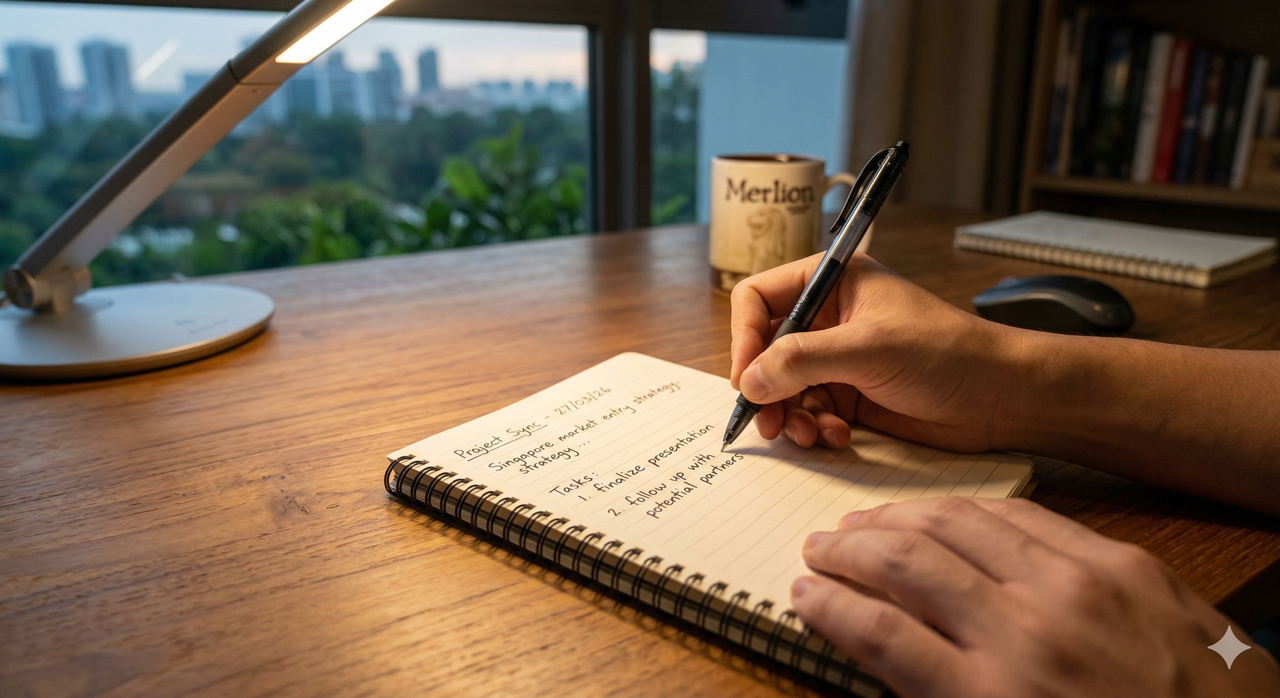
Shadow mechanics are a core failure point. If you are right-handed and place the lamp on the right side of your desk, your hand and forearm will cast a dense, moving shadow directly over your writing zone.
This isn’t just a comfort issue. Dynamic shadowing forces your eyes to continuously adapt to alternating dark and bright regions, leading to rapid micro-accommodation fatigue.
- The Fix (Cross-Body Lighting): Always place the lamp on the opposite side of your dominant hand. The lamp head should sit slightly forward of your eye position and angle downward at roughly 30–45°. This specific geometry keeps hand shadows trailing behind the action area, leaving your writing zone perfectly illuminated.
Mistake 3: Aiming Straight at Glossy Surfaces
Glare is frequently misdiagnosed as “bad color temperature,” but placement and reflection are usually the true culprits.
Even with a high-quality, high-CRI bulb, aiming an exposed LED directly at a glossy desk, a laminated textbook, or a monitor screen will produce harsh reflected glare (specular highlights). A steeper incident angle often intensifies these reflected hotspots.
- The Fix: Position the lamp so the LED emitter is completely outside your normal sight cone. If you are working on glossy surfaces, slightly raise the lamp head and rotate the beam off-axis. The goal is to ensure the reflected light rays bounce away from your eyes, not toward them.
Mistake 4: Creating a “Light Island” in a Dark Room
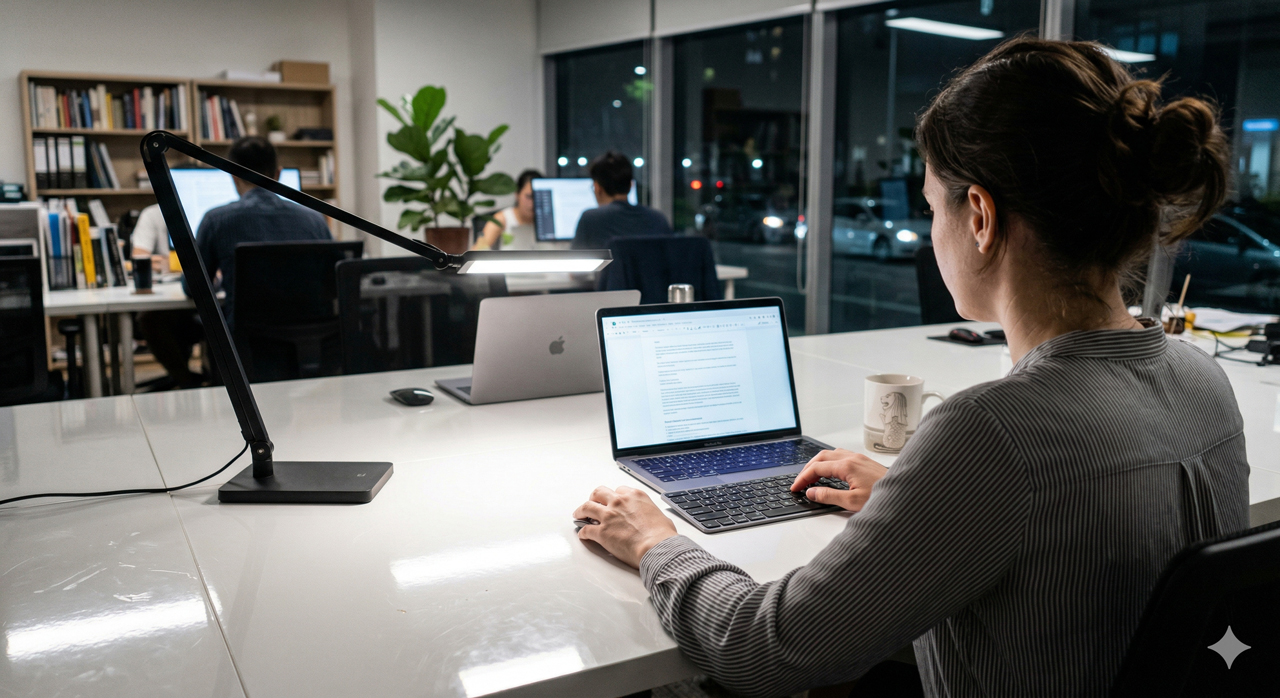
Neglecting ambient room lighting is a surefire way to induce visual stress. If your desk is brightly lit (say, 500 lux) but the rest of your room is pitch black, you create a massive adaptation jump. Every time you look away from your bright notebook into the dark room, your pupils must violently readjust.
- The Fix: Good placement considers layered light. Ensure your desk task illuminance is no more than a 3:1 ratio relative to your immediate surroundings. If the room is dim, reposition your desk lamp to wash a small portion of the adjacent wall, or add a low-level ambient light behind your monitor.
Actionable Decision Framework: Audit Your Setup
Stop guessing and run this simple placement audit on your current desk setup:
- Check the Glare: Sit in your normal working posture and scan left to right. Can you see the exposed bulb emitter? If yes, raise, rotate, or shield the lamp head immediately.
- Check the Shadows: Place a pen on your notebook as if to write. Does a hard shadow cross your paper? If yes, move the lamp to the opposite side of your dominant hand.
- Check the Reflections: Place a glossy magazine or tablet where you usually work. Move your head normally. Do bright hotspots track your eyes? If yes, rotate the beam axis away from the reflection angle.
- Check the Contrast: Turn off your overhead lights. Does your desk look like an isolated island in a sea of black? If yes, add a secondary ambient fill light to soften the transition.
Only after correcting these four geometric failures should you reach for the dimmer switch or consider changing your bulb.
Frequently Asked Questions
Should my desk lamp be in front of me or to the side? Side placement is almost always superior. Direct front placement increases direct glare, washes out contrast on paper, and guarantees screen reflections. Placing the lamp to the side, opposite your dominant hand, eliminates shadow interference and keeps the brightest light source safely out of your central vision.
Why do I still get eye strain even with a dimmable lamp? Because dimming only controls output. Strain usually originates from bad geometry. If the lamp’s emitter is visible to your naked eye, or if it’s bouncing glare off your screen, dimming it will only slightly reduce the symptom without fixing the root cause. Fix the angle and distance first, then fine-tune the brightness.
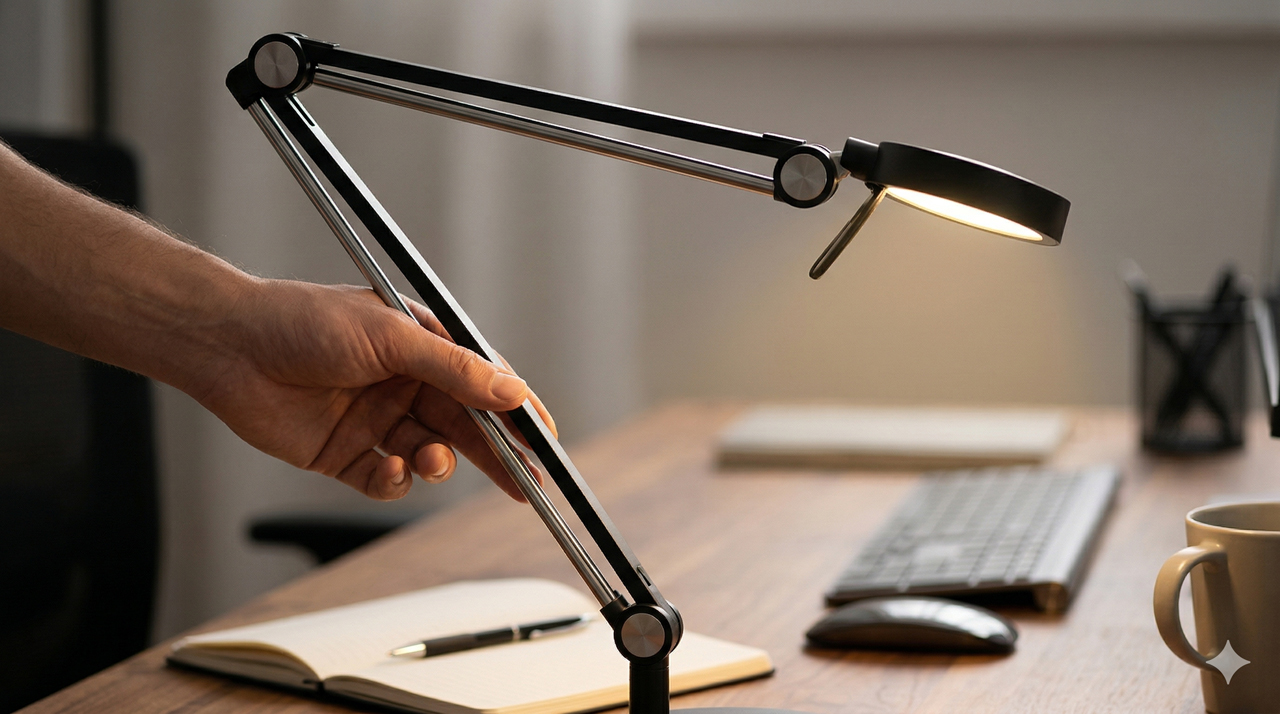
How far should a desk lamp be from my work surface? A practical starting point is 35–50 cm above the desk, with a 30–45 cm lateral offset. If the lamp is too far, it reduces effective lux and forces you to overdrive the brightness. If it is too close, it creates a harsh hotspot with steep dark edges.